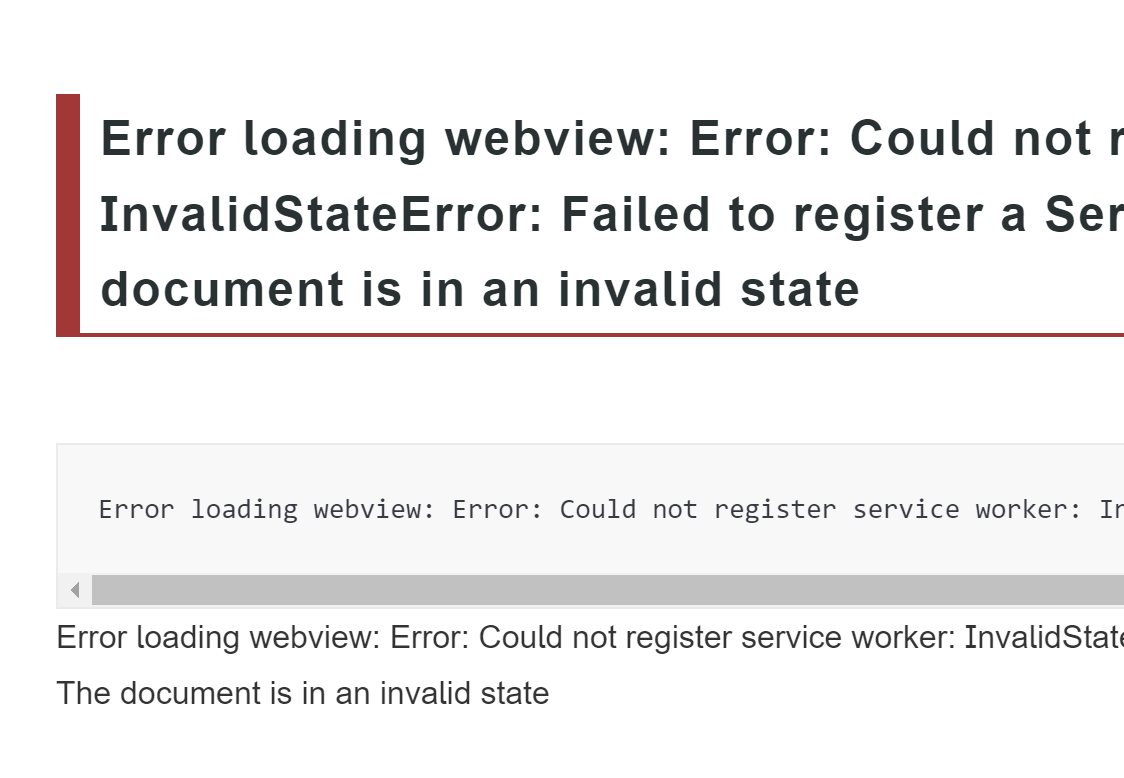
Error loading webview: Error: Could not register service worker: InvalidStateError: Failed to register a ServiceWorker: The document is in an invalid state
Error loading webview: Error: Could not register service worker: InvalidStateError: Failed to register a ServiceWorker: The document is in an invalid statError loading webview: Error: Could not register service worker: InvalidStateError: Failed to register a ServiceWorker: The document is in an invalid state
vscode를 사용하는 도중 Error loading webview ... InvalidStateError 가 발생했다.
이 에러는 보통 vscode를 여러 window로 켜놓고 접속할 때 등 cache가 꼬일 때 발생하는 것 같다.
에러 해결: 캐시 지우고 restart

1. cd ~/.config/Code 폴더에서 Cache 관련 파일을 지운다
cd ~/.config/Code에 들어가서

rm ~/.config/Code/Cache/*
rm ~/.config/Code/CachedData/*
rm ~/.config/Code/GPUCache/*
이 세 개의 폴더 안의 파일들을 모두 지워 비워준다
2. restart code
killall codeterminal에 들어가서 killall code를 실행
Reference
Error loading webview: Error: Could not register service workers: TypeError: Failed to register a ServiceWorker for scope
When I update my VSCode to v1.56.2 and open webview, I get these messages: Error loading webview: Error: Could not register service workers: TypeError: Failed to register a ServiceWorker for scope ('
stackoverflow.com
https://chaeeunsong.tistory.com/9
[vscode] Error: Could not register service workers: InvalidStateError: Failed to register a ServiceWorker.. 웹 보기를 로드
- 참고블로그 https://itinerant.tistory.com/129 [VSCode] 열리지 않을 때 해결 방법 [VSCode] 열리지 않을 때 해결 방법 어떤 부분에서 에러가 발생해서 VSCode가 실행되지 않는 지 확인하기 위해 터미널에서 `co
chaeeunsong.tistory.com
끝.


